
Pikashow APK
Watch Movies, Series & Live TV
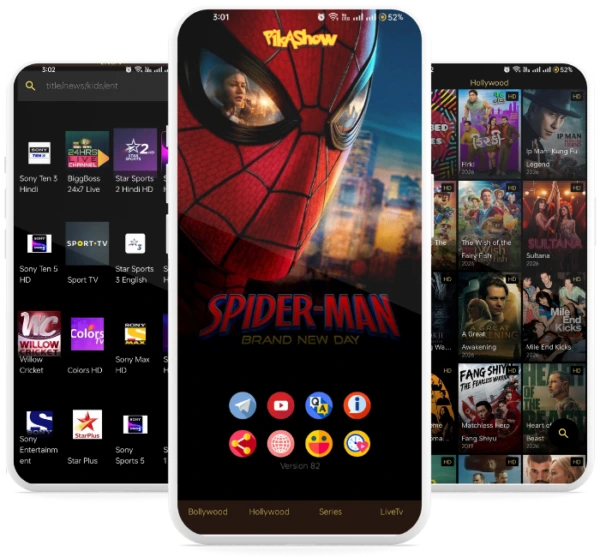
If you enjoy watching movies, web series, live cricket matches, or news on your phone, you probably know about Pikashow APK. It is a free streaming app for Android that puts a large entertainment library in one app, with no subscription needed. Just open the app and search for the video you want to watch.
| FIELD | DETAILS |
|---|---|
| App Name | Pikashow APK |
| Version | v94 |
| File Size | 16.38 MB |
| Downloads | 5M+ |
| Required | 4.4+ |
| Publisher | PikaShow Team |
| Update Status | Recently Updated |
What is Pikashow APK?
Pikashow is an Android-based streaming app that lets you watch movies, TV serials, live sports, and news channels for free. All the available Content is organized into clear categories, and a built-in advanced search bar that helps you find any title quickly.
Beyond online streaming, Pikashow also lets you download videos to your device so you can watch them offline. That feature is very useful when you are travelling or have limited mobile data. It offers both Hollywood and Bollywood, along with regional content and live channels.
Since Pikashow is a third-party application and not listed on the Google Play Store, it has to be installed manually from an APK file.

Key Features of Pikashow
Free Access to Entertainment
The main purpose of Pikashow is to provide entertainment that costs nothing to use. You can watch movies, series, and live sports without paying; it is suitable for people who don’t want to pay for multiple streaming platforms every month.

Large Content Library
The app covers a wide range of genres and carries new releases along with old classics. This app always has something new for its users. Both Hollywood and Bollywood titles are available on it, which saves you from switching between apps

Adjustable Streaming Quality
You can pick a video quality that matches your internet stability. All the available content is in the best video quality, which you can adjust according to your connection. This gives you more control over video streaming.

Live TV channels
The app lists a large number of Live channels covering sports, news, and entertainment. It is a convenient way to follow a cricket match or the latest headlines on your phone. Keep in mind that the availability of these channels depends on the region and varies with time.

Built-In Video Player
Pikashow includes its own video player that supports several formats, so you don’t need a separate player app. Brightness and volume can be adjusted with icons on the screen. That keeps everything inside one app and makes playback smooth.

Clean and Easy Interface
The layout is designed to be simple and user-friendly interface. Categories appear clearly on the home screen, and its advanced search bar helps you find any title in seconds. You can find trending and recommended titles, which makes the app comfortable for beginners.

Multiple Languages & Audio Tracks
Many titles offer more than one audio track and subtitle option. Whether you prefer Hindi, English, or any other language. You can often choose what suits you.

Fewer Ads Experience
Pikashow is known for keeping ads to a minimum compared with many free streaming apps. You are less likely to be interrupted by pop-ups in the middle of a movie or a live match.

Frequent Updates
The app often gets new updates that have new and improved features. Always keep your app updated to the latest version to stay away from bugs and issues. It also helps you get access to the newest content sources.
How to Download and Install Pikashow APK on Different Devices?
Pikashow APK is an unofficial application developed by third-party developers; that’s why it is not available on official platforms like the Play Store and others. Users have to install it manually from an external source, and here is the guide for each device.
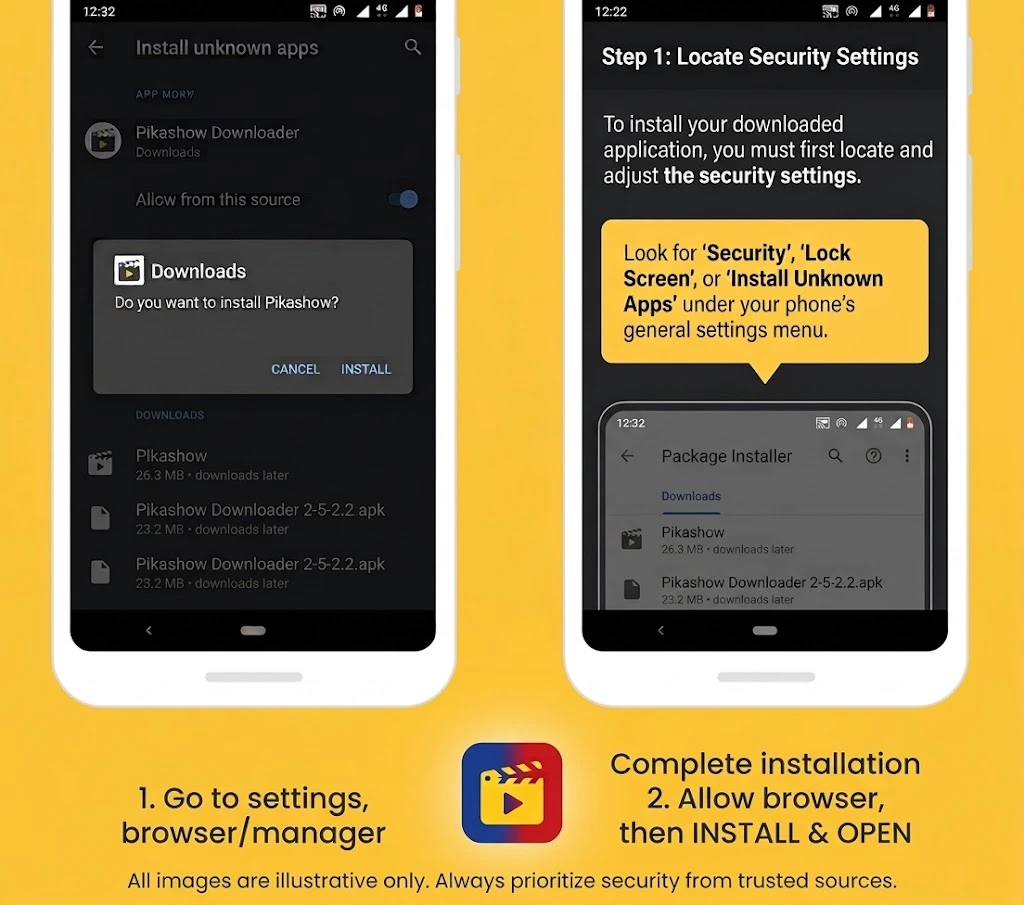
Install Pikashow APK on Android
Here is the easiest method, since it is actually made for Android.
Install Pikashow on iOS Devices (iPhone & iPad)
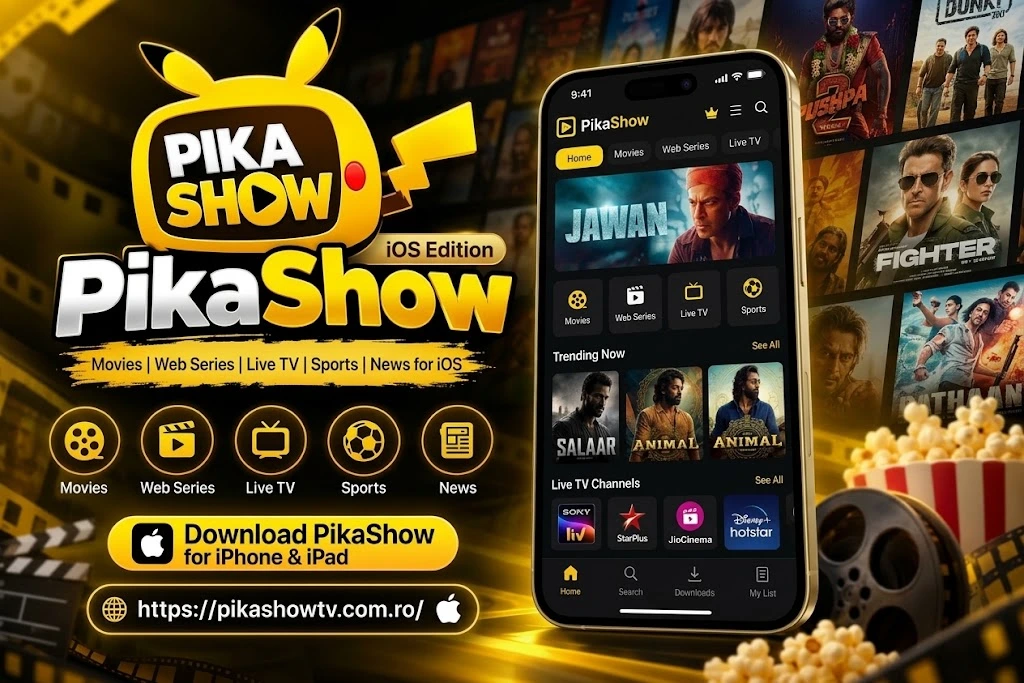
There is no official Pikashow app for iOS devices, and iPhones can’t install APK files because APK is an Android format. Some websites claim to have an iOS version, but these are unreliable and can put your data at risk. Since Apple blocks these unknown apps designed by third-party developers, stay away from them for your own security.
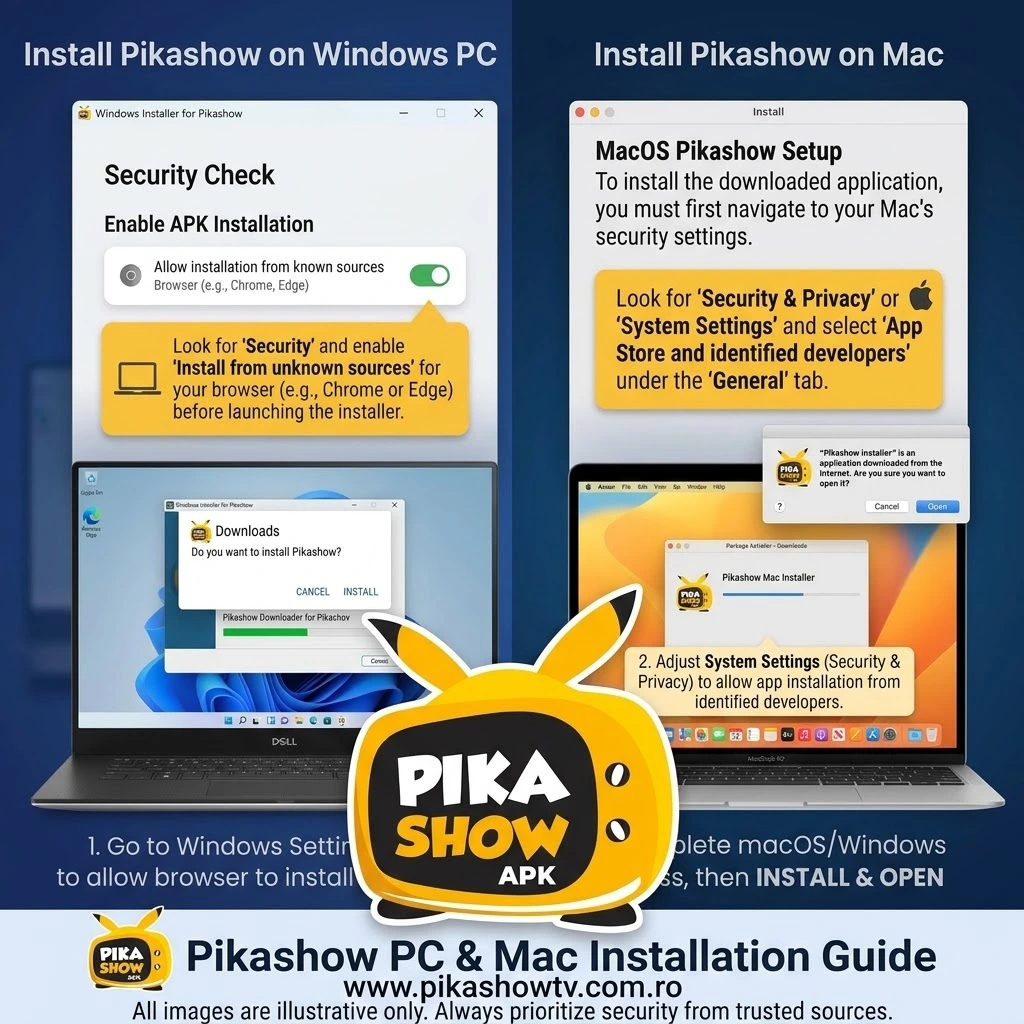
Install Pikashow on PC and Mac
Since Pikashow is an Android-based streaming platform, it has no official PC or Mac version. You need an Android emulator to run it on a computer.
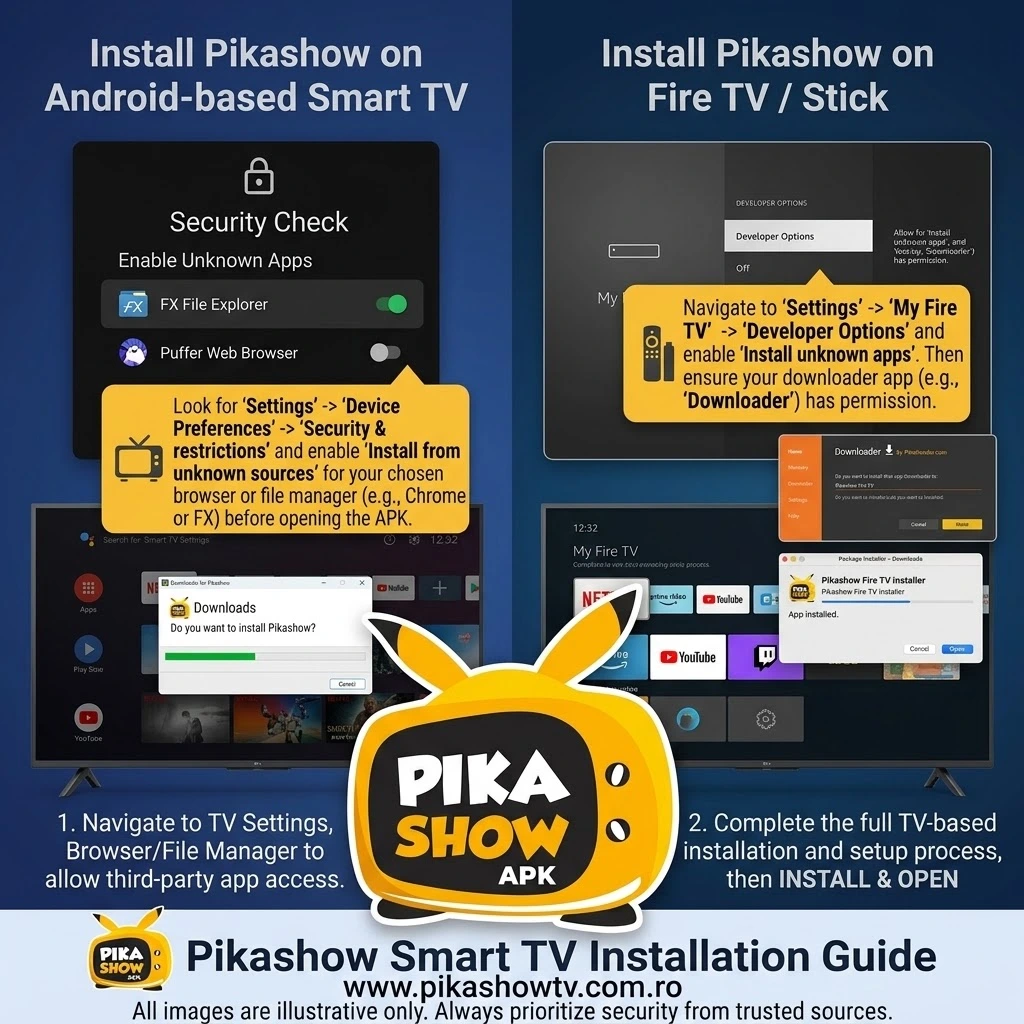
Install Pikashow on Smart TV
Since Pikashow is an Android-based streaming platform, it has no official PC or Mac version. You need an Android emulator to run it on a computer.
You can also copy the APK to a USB drive and use it to install it on your TV with a file manager app.
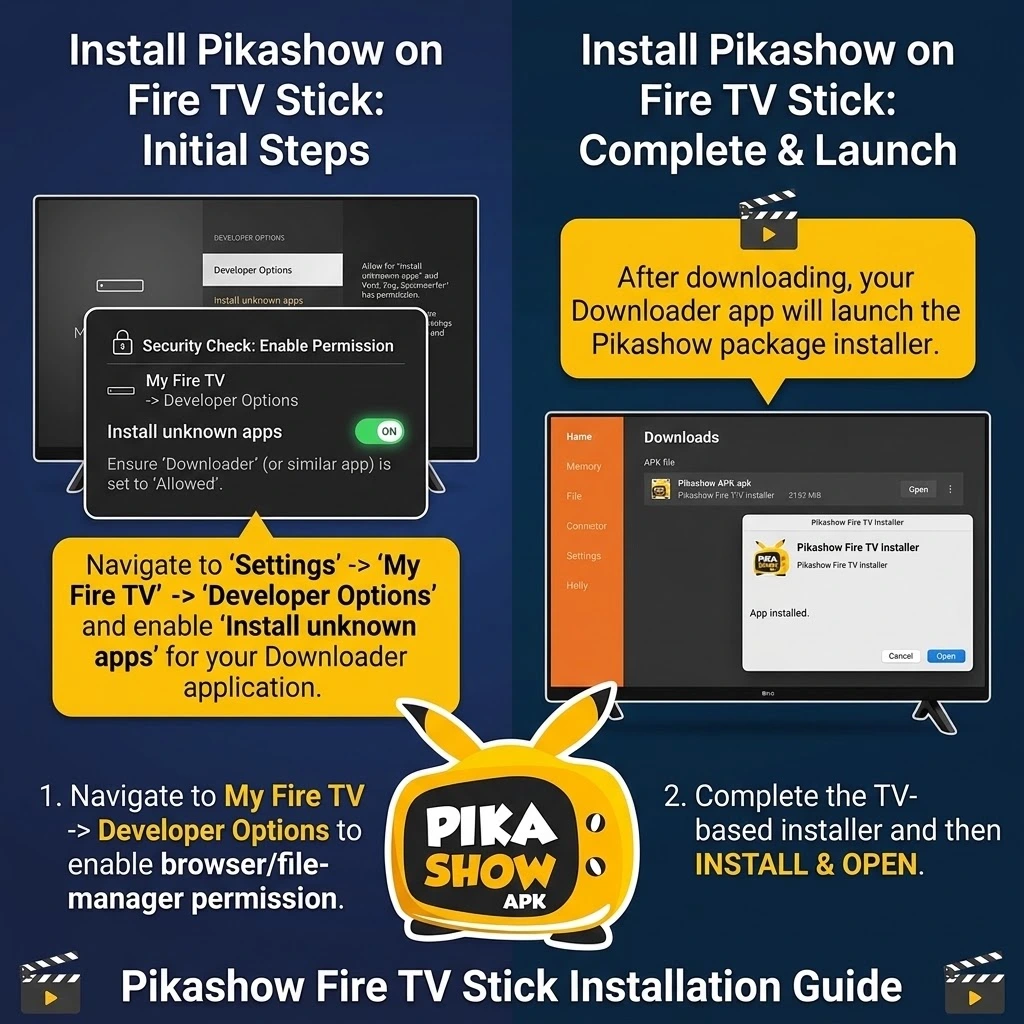
Install Pikashow on Fire TV Stick
Fire TV has a different method as it runs a version of Android, so it can install an APK file through a small helper app.
Is Pikashow APK Safe to use on your device?
This is the most important question, so here is the straight answer. Pikashow is a third-party app and is not reviewed by the Google Play Store, but it is safe to use. There are a few things you should know before installing it.
Download Source
Many websites offer APK files that may contain harmful software. Download only from a source you trust, scan the file with a reliable antivirus app before installing, and avoid any version that asks for unusual permissions such as access to your messages or contacts.
Legal Risk
All the available entertainment content through apps like this may not be properly licensed by their owners. Using unlicensed content can cause legal risk in some regions. Always check your regional copyright rules before using any streaming app of this kind.
Privacy & Stability
Third-party apps can collect data or show unwanted ads, and they can stop working without you noticing. Avoid logging in with your personal account or reusing passwords inside the app, and don’t share personal information.
Why Choose Pikashow APK for your device?
- Free to use – No subscription, no card needed.
- All-in-one app – Movies, series, live TV, and sports in one place.
- Very light – Only 16.38 MB, runs fine on old phones.
- Easy to use – Clean layout and advanced search.
- Offline watching – Download now to watch later without data.
- Cast to TV – Enjoy on a bigger screen.
- Many devices – Android, PC, Mac, Android TV, and Fire TV Stick.
Common Pikashow Issues and Fixes
Like other third-party streaming apps, Pikashow can also have some issues. Most problems come from a weak connection or an old app version. Here are the common issues and how to fix them.
App Keeps Crashing
This is common and usually happens because of low storage, an outdated version, or a corrupted installation.
Fix: Clear the app cache from the settings, free up some storage, and update to the latest version. If it still crashes, uninstall it completely and reinstall a fresh copy of that APK from a trusted source.
Video Buffering or Loading
Buffering is often caused by slow internet, and a busy server can also be the reason.
Fix – Switch between Wi-FI and mobile data to see which is faster, lower the video quality, and close all the apps running in the background. Trying a different server or source inside the app can also help.
Video Not Playing Error
This error shows up when a link has been removed or the server is down. It is one of the most common problems with apps of this type.
Fix: Try another server for the same title, come back later, or search for a different version of the movie or show. Sometimes the source returns after a few hours.
Unable to connect to Server
The app is unable to reach its content servers at all.
Fix – Check that your internet is working, restart your router or phone, and turn off any VPN or DNS settings that blocking the network. If nothing works, then the server may simply be down, so wait and try again later.
App not installing
Installation can fail because of a broken download, missing permission, or low storage.
Fix – Make sure “Install from Unknown Sources” is enabled, delete the file, and download it again, and confirm your phone version is compatible with the downloaded version.
Update Not Installing
An update may fail if the new version conflicts with the new or your storage is full.
Fix – Uninstall the current version, download the latest APK, and install it again. Your downloaded videos may be removed with the old installation, so save anything important first.
Frequently asked questions (FAQs)
Ending Note
Pikashow APK v94 is a small, simple streaming app that offers movies and web series. Live TV channels and sports in one place. Features like offline downloads, casting, multiple languages, and a clean interface are the main reason people keep using it. You can install it on Android, on PC or Mac through an emulator, and on Android TV or Fire TV Stick with the Downloader app.
Pikashow APK is a third-party app. Always download the APK from a trusted source, scan it before installing, and don’t give it permissions it doesn’t need. Copyright rules are different in every country, so check your local laws before using this kind of app. If something stops working, update the app to its latest version and enjoy endless streaming.